

Everything Anni does for your bookings
From the moment a customer opens your page to the numbers at the end of the month, here is every part of Anni, as it works today.
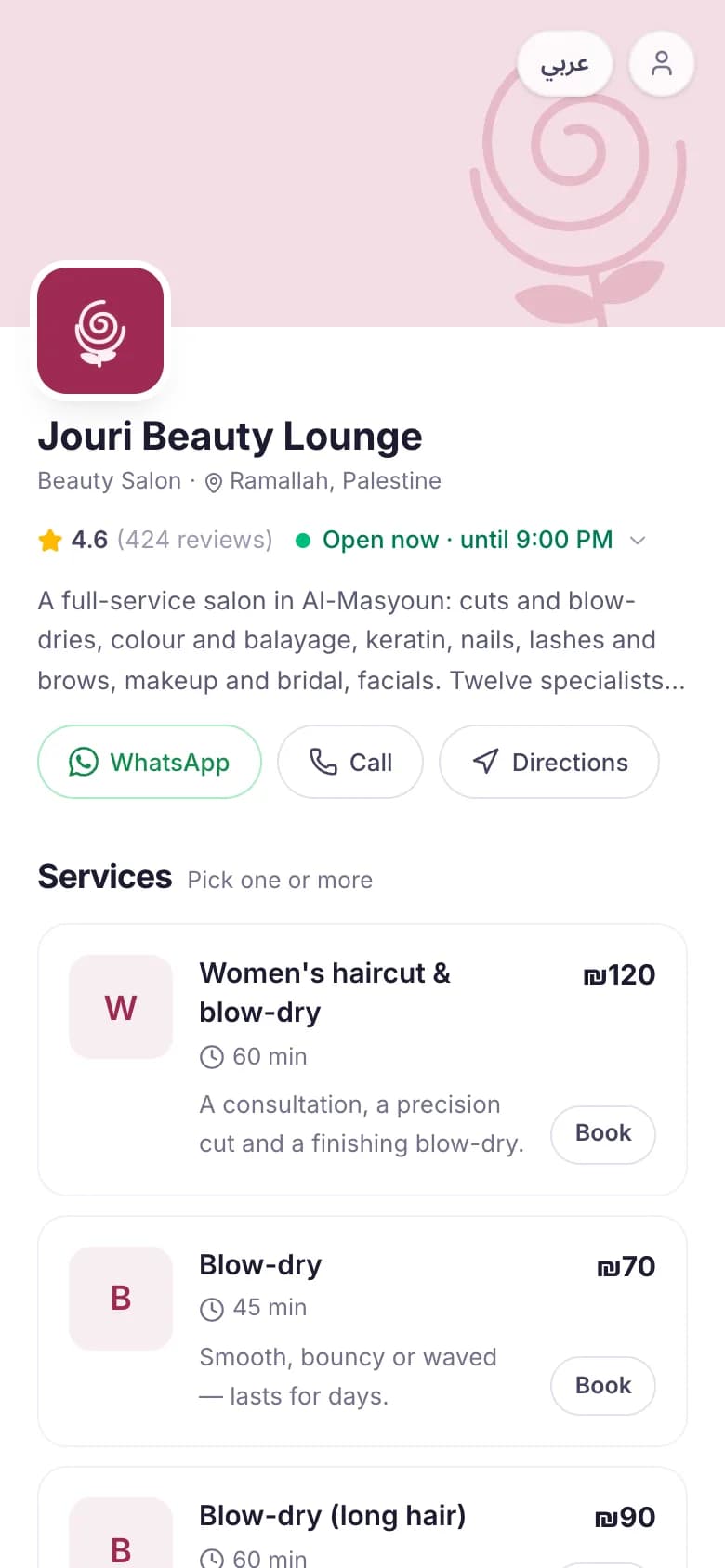
A booking page in your name
Your own page at annibook.com/your-name, with your logo, your colour and your services. Customers book in a minute from their phone, with no app and no password.
- Services with prices and durations, in Arabic and English
- Several services in one visit, when you turn it on
- Customers choose a person, or whoever is free
- Only real free times show, so nothing is double booked
- Sign in with a one-time code on WhatsApp
- The visit goes into their Google, Apple or Outlook calendar
- They can cancel within your rules, and leave a review after
One calendar for the whole team
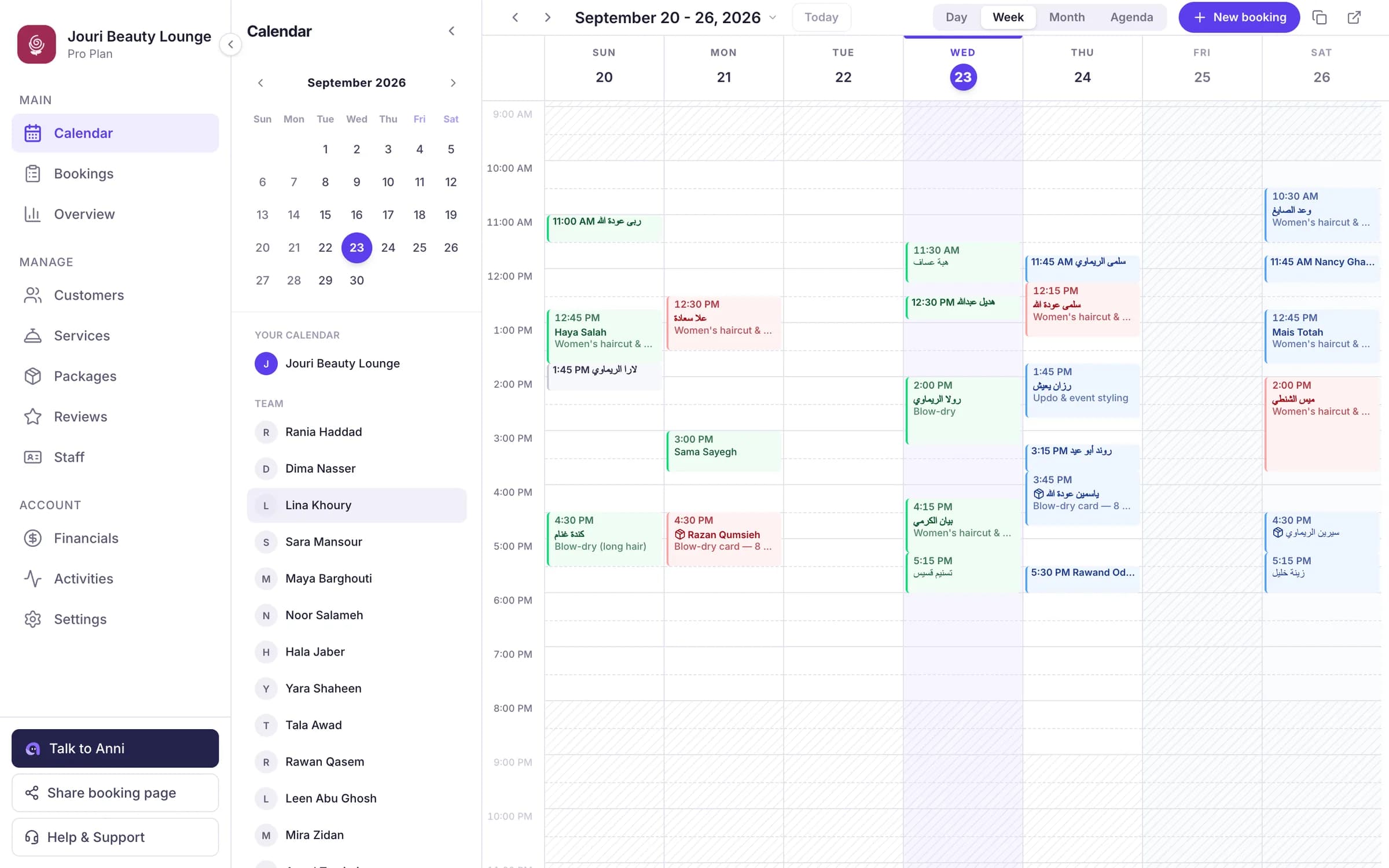
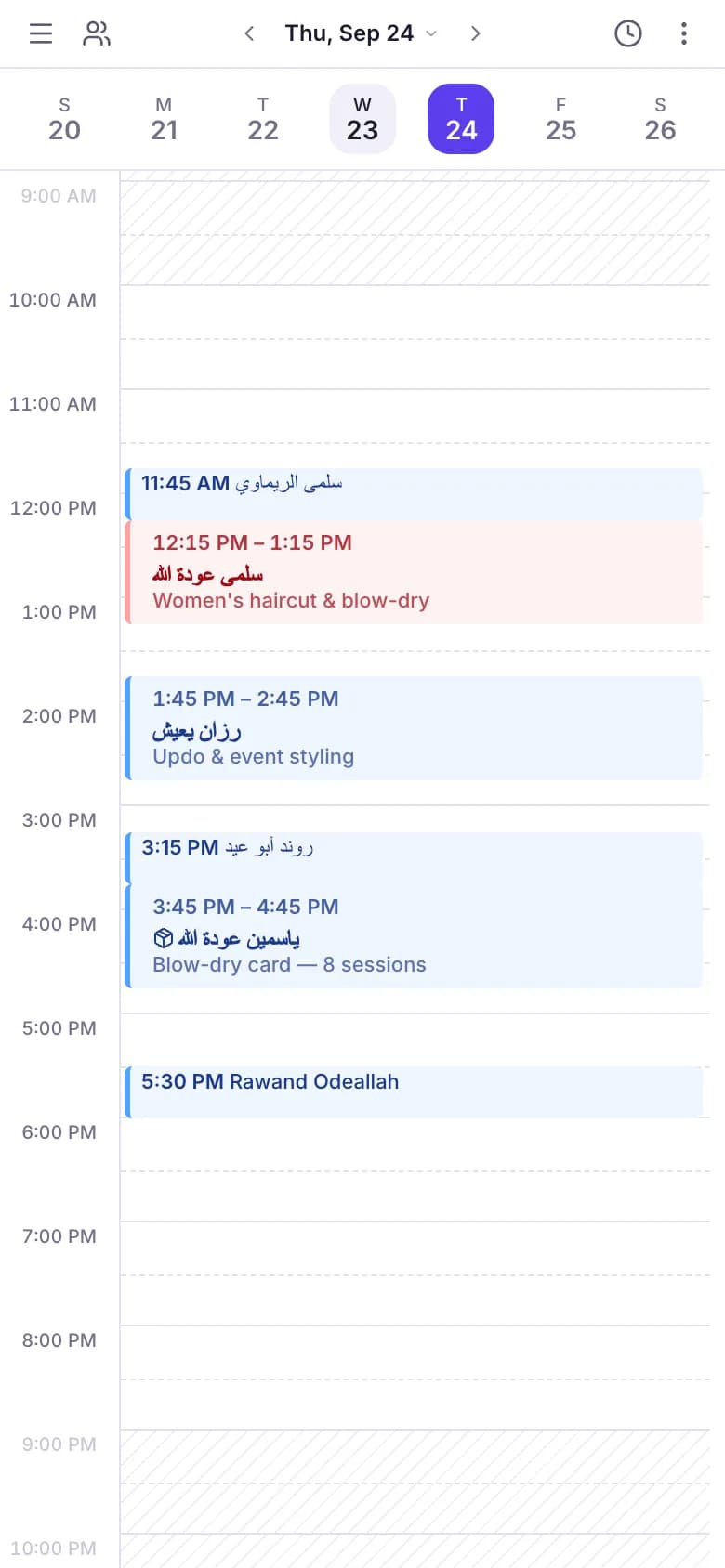
Everyone’s day and week in one place. Add a booking or a walk-in in seconds, and the time disappears from your page.
- Day, week and month views
- Approve online requests, or let them confirm on their own
- Working hours and closed days, for the business and for each person
- A break between appointments, if you need time to get ready
A customer list that builds itself
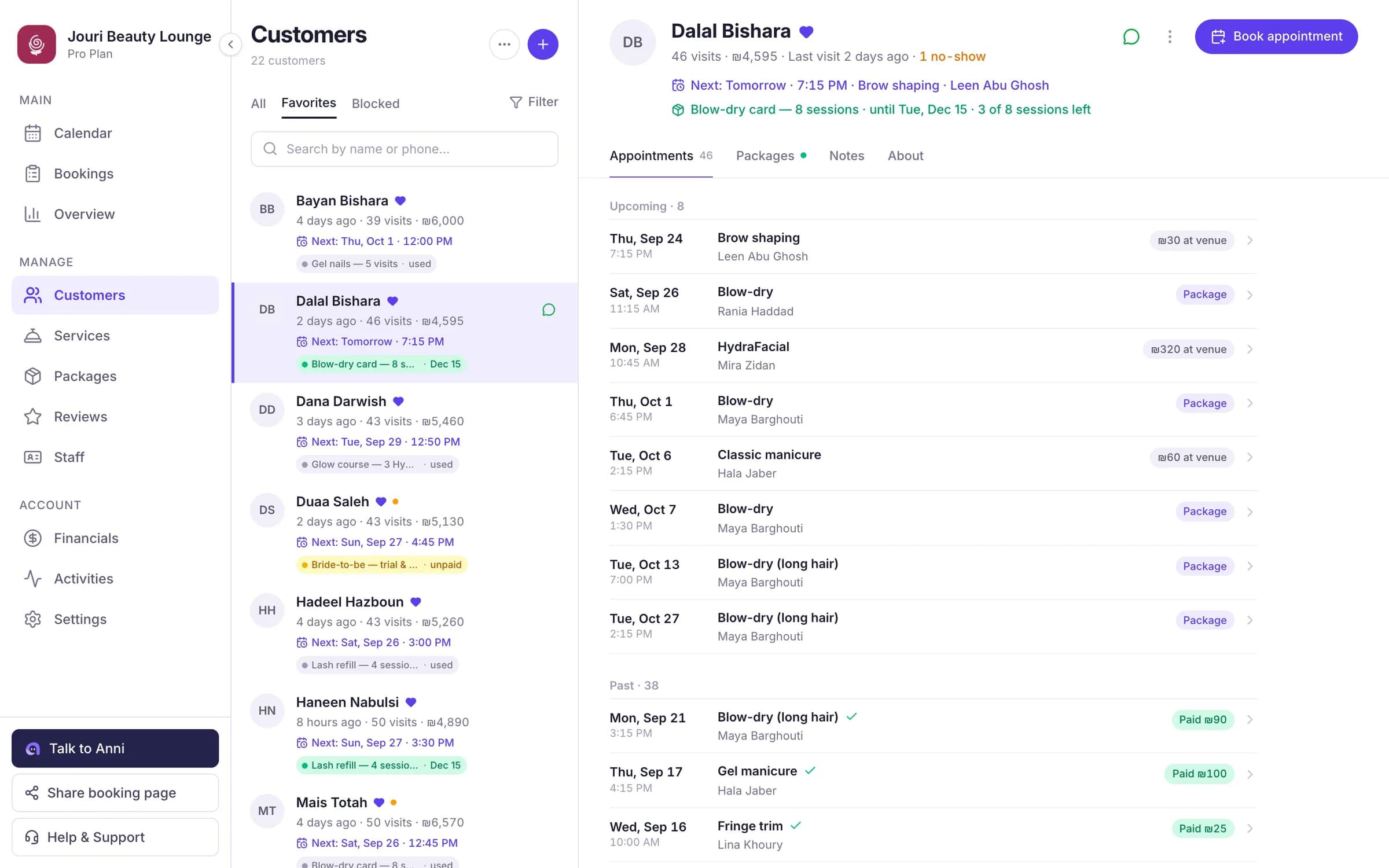
Everyone who books gets a profile with every visit, payment and note, so you know who is in front of you.
- Notes, VIP customers and blocked numbers
- See who hasn’t been back in a while
- Import your list from a CSV file, and export it any time
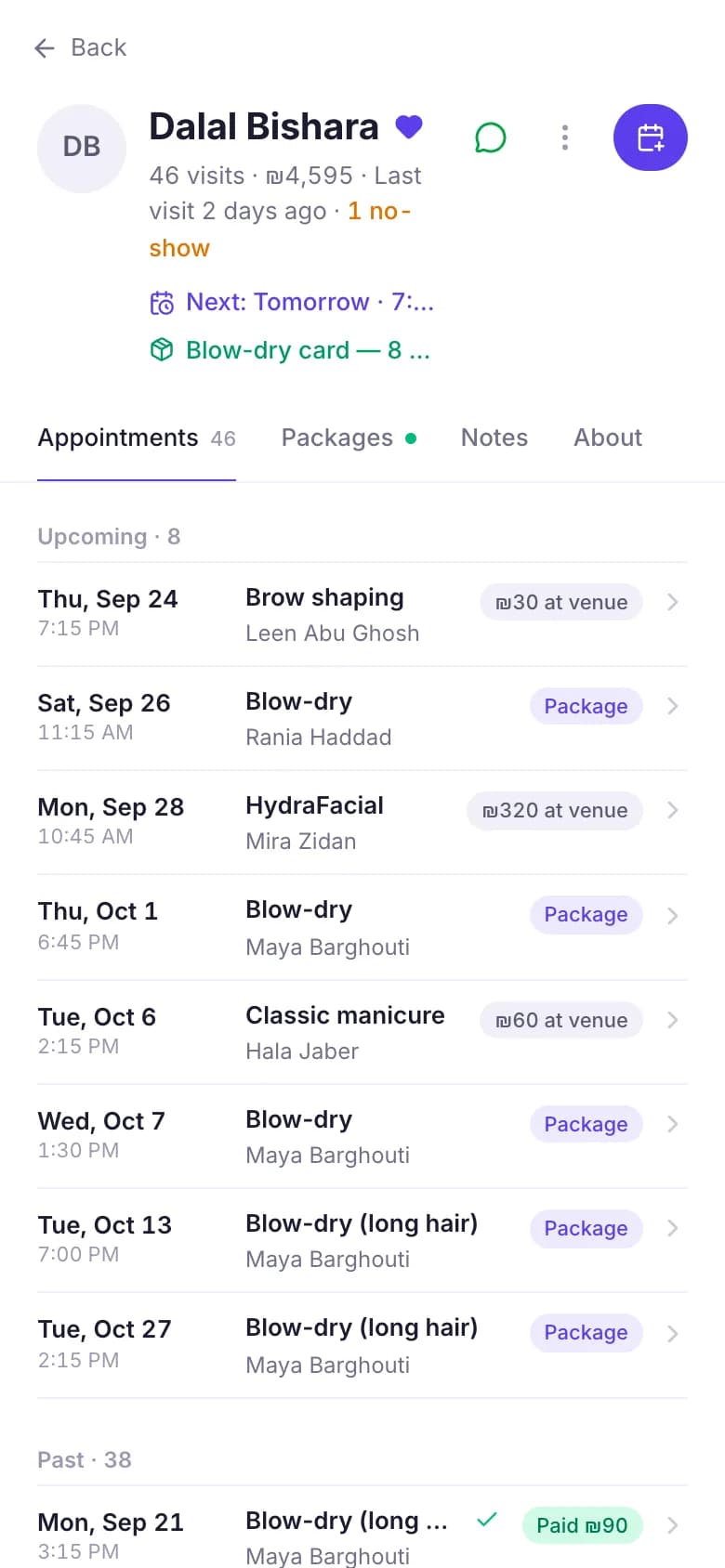
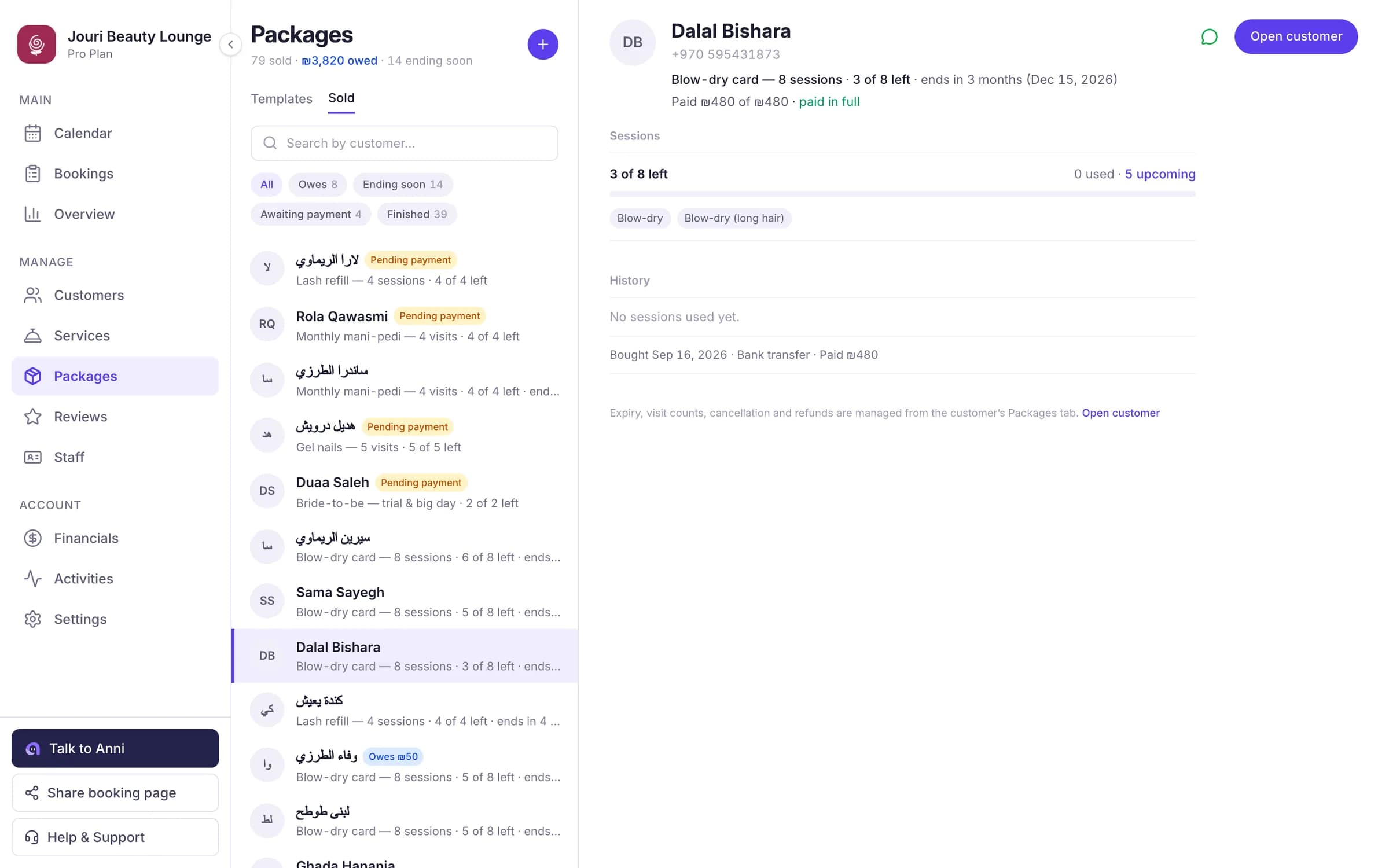
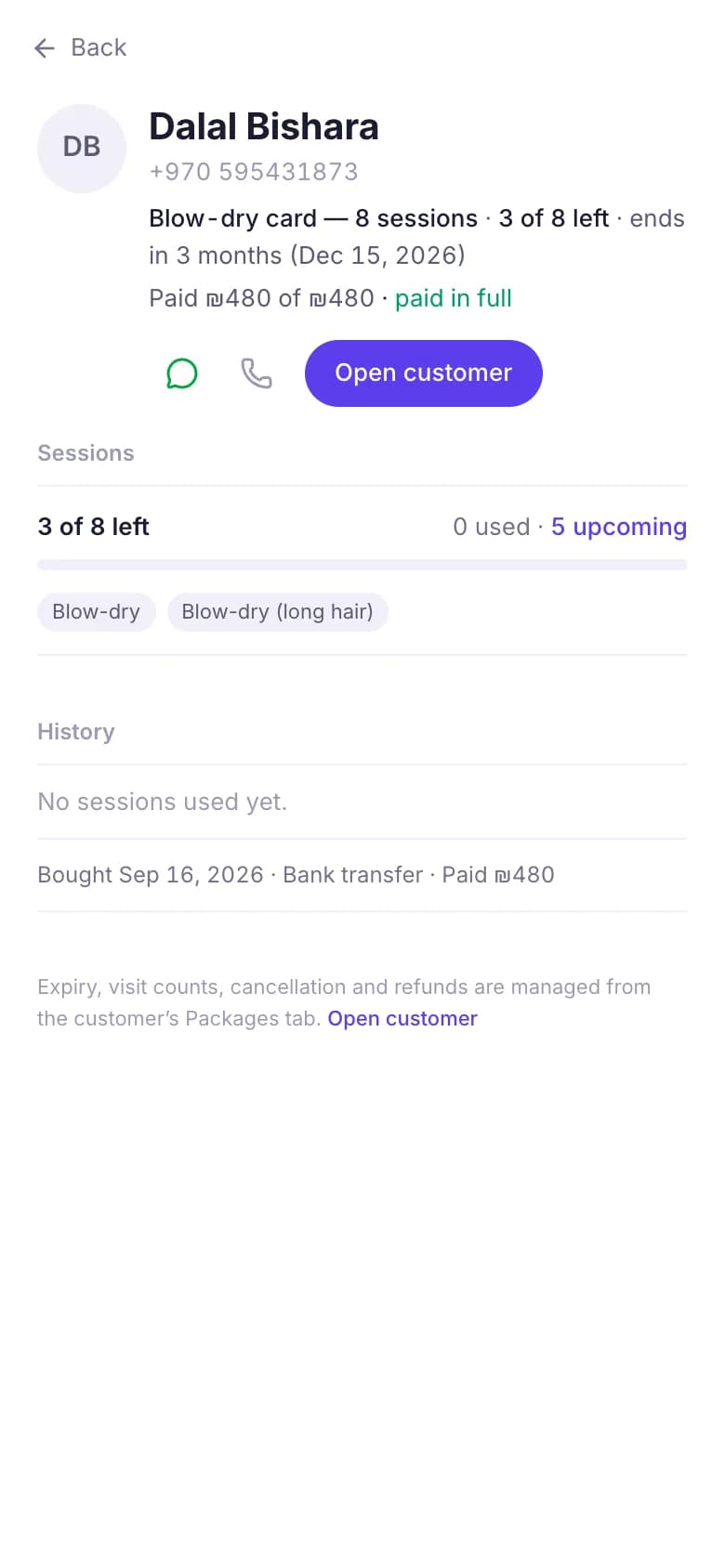
Packages and session cards
Sell packages like six laser sessions or ten training sessions, and let Anni keep count.
- Sessions used and left, on every card
- Expiry dates, and what is still owed
- Book a session straight from a customer’s package
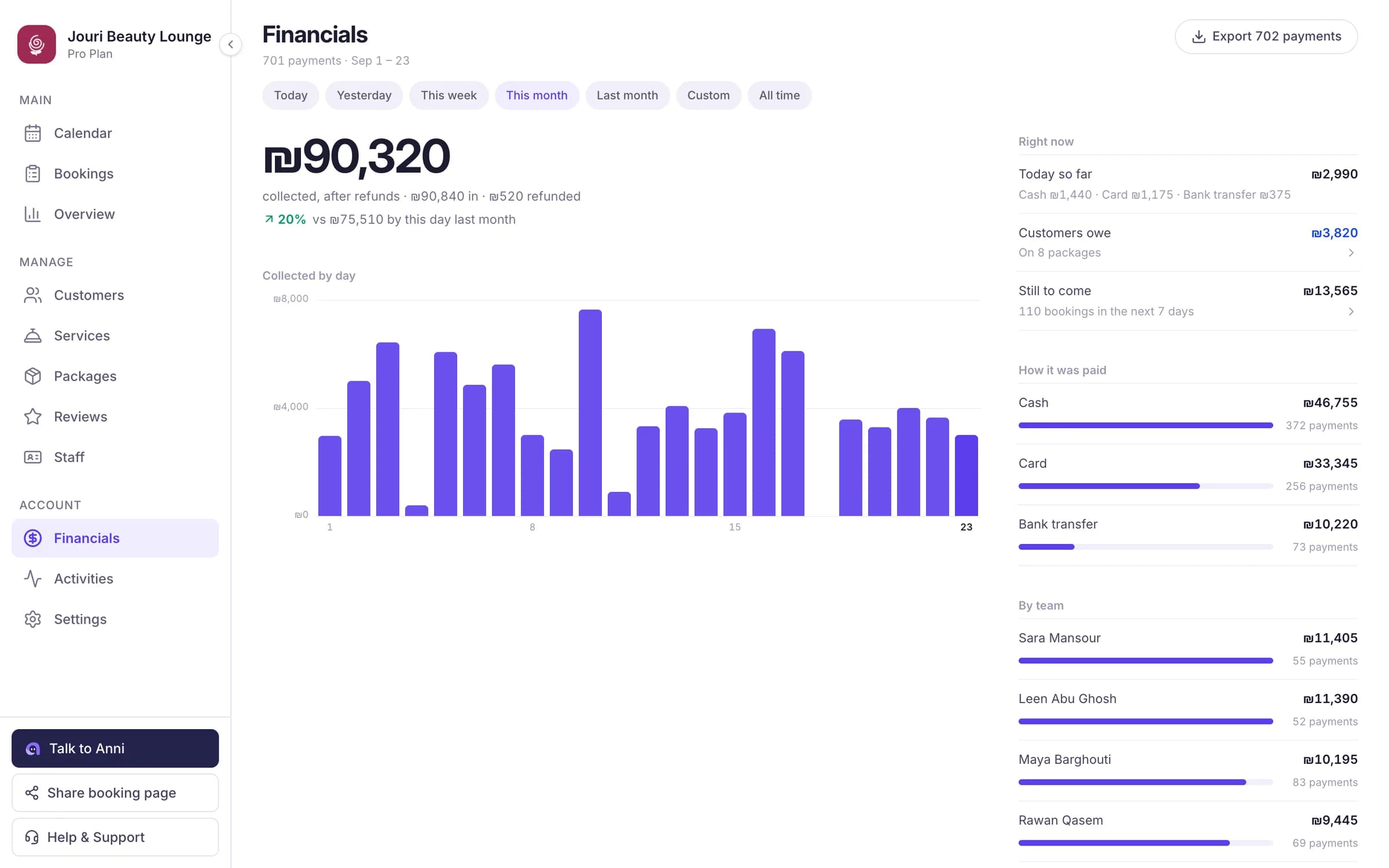
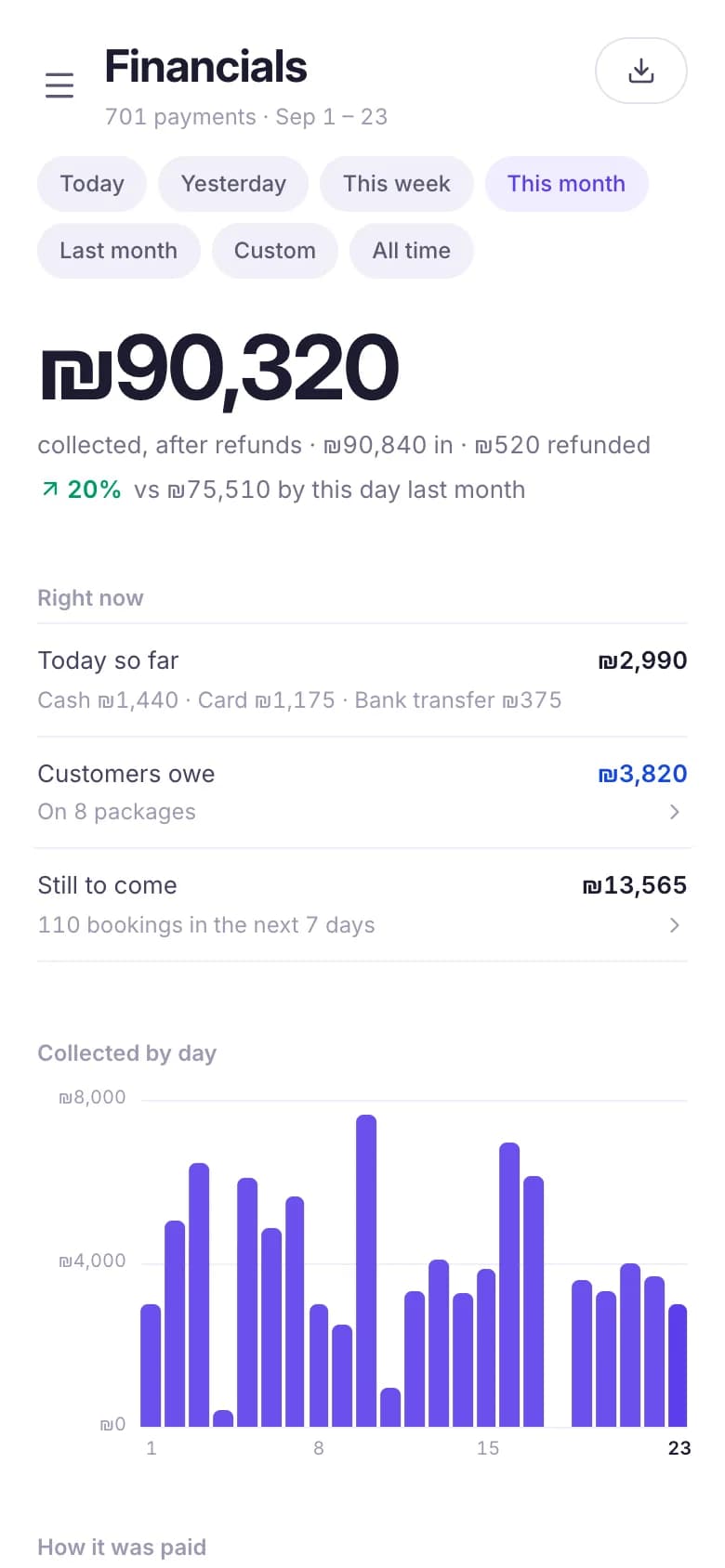
Money and reports
What came in, by day and by payment method, next to the period before.
- Income by day, week or month
- Cash, card, bank transfer and packages, each apart
- Each provider’s share of what they did
- A CSV export for your accountant
Messages that go out by themselves
Every booking gets a confirmation, then a reminder the day before and an hour before. Changes and cancellations are announced too.
- On WhatsApp on the paid plans, by email on the free plan
- From Anni’s official number, with your business’s name
- In Arabic or English, your choice
- Turn each message on or off
Roles for your team
Give each person the access their job needs, and nothing more.
- Manager, receptionist or provider
- A provider can see only their own bookings
- Money and settings stay with the owner
- An activity page shows who did what, and when
Your rules, kept every time
Decide once how your page takes bookings, and Anni sticks to it.
- Bookings confirm on their own, or wait for your yes
- How many hours before a visit customers can still cancel online
- Which countries’ phone numbers you accept, or all of them
- Closed dates for holidays, and only bookings within your hours
Reviews after the visit
After a completed visit, customers can rate you and write a few words. You can reply, and reviews show on your page.
- Only customers who came can review
- Reply to any review from the dashboard
Why not just WhatsApp and a notebook?
Most businesses start there. This is what changes.
| Topic | WhatsApp and a notebook | With Anni |
|---|---|---|
| Booking | WhatsApp and a notebook: Messages back and forth to find a time | With Anni: Customers see the free times and book themselves |
| After hours | WhatsApp and a notebook: Messages wait until the morning | With Anni: Your page takes bookings day and night |
| Reminders | WhatsApp and a notebook: You call or text each person | With Anni: Sent automatically, a day and an hour before (on WhatsApp on the paid plans) |
| Customers | WhatsApp and a notebook: Names scattered across chats | With Anni: One profile with every visit and note |
| Packages | WhatsApp and a notebook: Paper and pen | With Anni: A session counter and an expiry date |
| Team | WhatsApp and a notebook: Everyone keeps their own list | With Anni: One calendar, each person with their own access |
Questions about how Anni works
Does Anni work on a phone?
Yes. Anni works in any browser, on a phone, a tablet or a computer. Customers book from their phone’s browser, and you and your team manage bookings from yours. There is nothing to install.
Can my team log in?
Yes. Each person gets their own login with the access you give them: manager, receptionist or provider. A provider can be limited to their own bookings.
Can customers book several services at once?
Yes, when you turn it on in Settings. The customer picks several services for one visit, and Anni books them one after another with the same person.
Does Anni sync with Google Calendar?
Customers can add their appointment to Google, Apple or Outlook calendar in one tap. Two way sync with your own Google Calendar isn’t available.
Can I bring my existing customers?
Yes. Import your customer list from a CSV file, and export it again whenever you want.
Another question? Message us on WhatsApp and a person will answer.
See it with your own services
Set up your page on the free plan and try every part of it. No card needed.